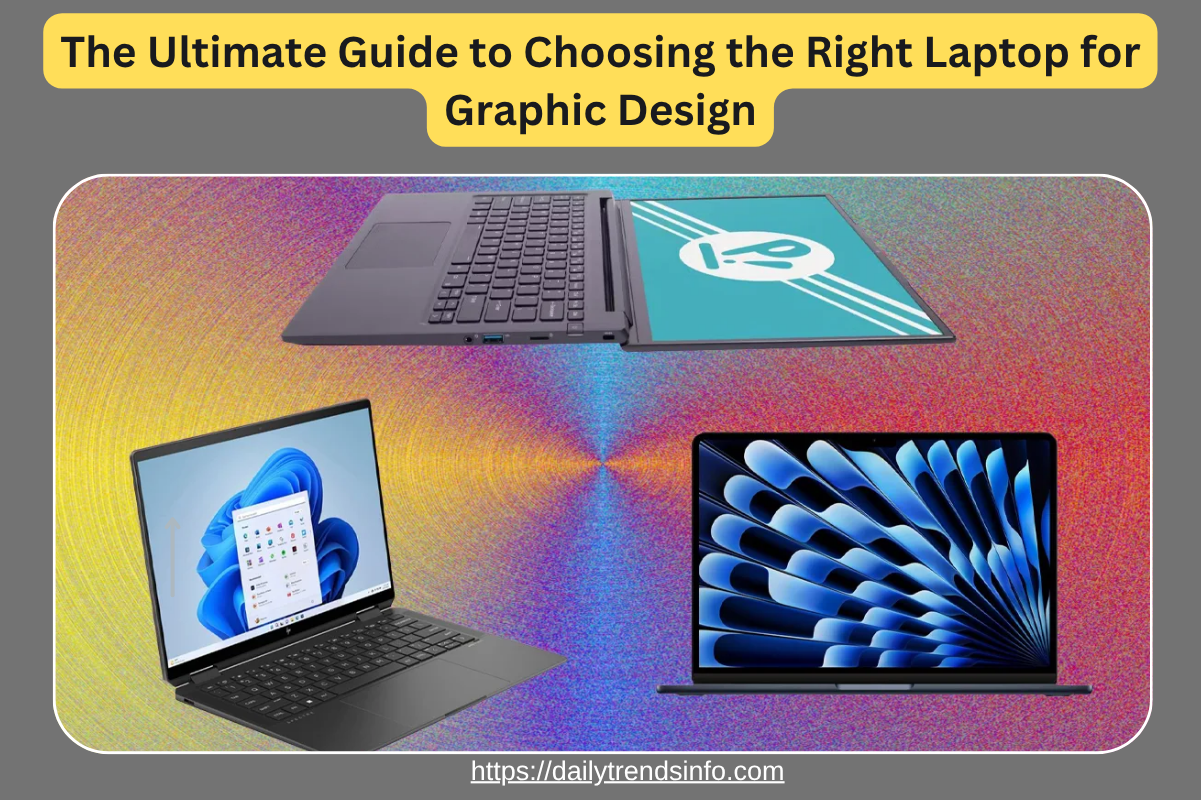
The Ultimate Guide to Choosing the Right Laptop for Graphic Design
For a professional graphic designer, a laptop is not merely a convenience; it is a high-performance workstation that dictates the boundaries of productivity, color accuracy, and rendering efficiency. As design workflows transition toward 4K video integration, complex 3D rendering, and AI-driven generative tools, the hardware requirements have shifted from “general-purpose high-end” to “specialized precision.”
This guide analyzes the critical hardware architecture and display technologies necessary to sustain a professional design workflow without the bottlenecks of thermal throttling or chromatic aberration.
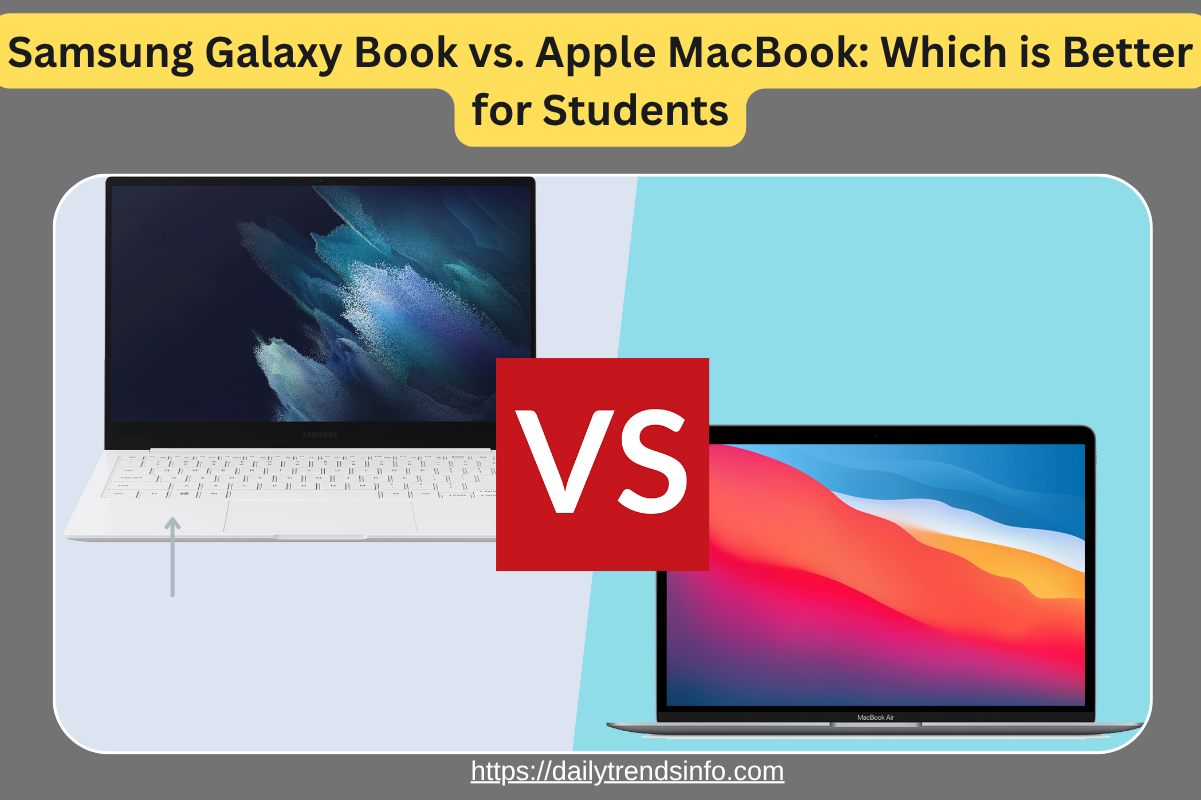
Read More :- Samsung Galaxy Book vs. Apple MacBook: Which is Better for Students
Read More :- The Ultimate Guide to Choosing the Right Laptop for Graphic Design
1. The Display: Beyond Resolution to Color Fidelity
While resolution is often the headline spec, professional designers must prioritize color accuracy and panel technology. For a professional-grade experience, the Delta E ($\Delta E$) value—a measure of how much a displayed color deviates from the true color—should ideally be less than 2.
Panel Technology and Gamut Coverage
-
OLED vs. IPS: While IPS (In-Plane Switching) has long been the standard for viewing angles, OLED panels are increasingly dominant for their infinite contrast ratios and deep blacks. However, ensure the panel includes anti-burn-in tech for long hours of static UI elements.
-
Color Space: Professionals should seek 100% coverage of the DCI-P3 or Adobe RGB gamuts. Standard sRGB is no longer sufficient for print-to-web or high-end digital illustration.
-
Bit Depth: A true 10-bit panel is essential to avoid banding in gradients, providing 1.07 billion colors compared to the 16.7 million found in standard 8-bit displays.
2. Processing Architecture: Single-Core vs. Multi-Core Efficiency
The choice of CPU depends heavily on the specific software stack. Most vector-based tools like Adobe Illustrator are predominantly single-threaded, whereas rendering engines in After Effects or Cinema 4D thrive on multi-core parallel processing. The Ultimate Guide to Choosing the Right Laptop for Graphic Design.
Silicon Preferences
-
Apple Silicon (M3 Pro/Max): The Unified Memory Architecture (UMA) offers unprecedented efficiency, allowing the GPU and CPU to access the same memory pool, significantly reducing latency in asset-heavy projects.
-
Intel Core i9 / AMD Ryzen 9: For Windows-based environments, ensure the chip is from the latest generation (e.g., 14th Gen Intel) to take advantage of hybrid architectures that separate performance cores from efficiency cores.
3. GPU Power: Accelerating the Creative Workflow
The Graphics Processing Unit (GPU) is no longer just for 3D artists. Modern versions of Photoshop and Lightroom utilize GPU acceleration for features like Neural Filters and AI-powered Masking.
-
Dedicated VRAM: Aim for a minimum of 8GB GDDR6 VRAM. This ensures the laptop can handle high-resolution texture maps and complex canvas pans without stuttering.
-
Ray Tracing Cores: For designers moving into 3D or AR, NVIDIA’s RTX series is the industry leader due to specialized RT and Tensor cores that accelerate real-time ray tracing and AI upscaling.
4. Memory and Storage: Managing the Data Throughput
System “lag” is often not a processor issue, but a RAM bottleneck. When working with large-scale PSB files or multi-layered compositions, memory is the primary constraint.
RAM (Random Access Memory)
-
32GB is the Floor: While 16GB is often cited as a minimum, 32GB (or even 64GB) is required to run Creative Cloud apps concurrently with browser-based research and communication tools.
-
DDR5: Ensure the system uses DDR5 memory to benefit from higher bandwidth speeds, typically starting at $4800$ MT/s. The Ultimate Guide to Choosing the Right Laptop for Graphic Design
Storage (NVMe SSD)
-
Throughput Speeds: Look for PCIe Gen 4 or Gen 5 NVMe SSDs. Read/Write speeds exceeding $5000$ MB/s are crucial when opening 2GB+ project files.
-
Configuration: A dual-drive setup (one for the OS/Apps and one as a “scratch disk”) can significantly enhance performance in video-heavy workflows.
5. Connectivity and Thermal Management
A laptop’s performance is only as good as its cooling system. High-end components generate significant heat; if the laptop cannot dissipate it, the system will “throttle,” slashing clock speeds to protect the hardware.
-
Vapor Chamber Cooling: Look for laptops that utilize vapor chambers or advanced heat pipe designs rather than simple fans.
-
Thunderbolt 4 / USB4: For professionals, high-speed ports are non-negotiable for connecting external RAID drives, 5K monitors, and Wacom tablets via a single cable.
Conclusion
Choosing the right laptop for professional graphic design requires a balance of raw power and sensory precision. While a high-end CPU and GPU provide the muscle, the display’s color accuracy provides the “truth” necessary for client-ready work. Investing in a machine that exceeds your current requirements is not an extravagance; it is a strategic move to future-proof your career against the rapidly evolving demands of AI and 3D design.
Call to Action
Ready to upgrade your workstation? Evaluate your most frequent software bottlenecks today and prioritize your budget toward the component—be it RAM or Display—that will provide the most immediate ROI on your creative output.
Metadata & SEO Details
-
Meta Title: Laptop for Graphic Design: Professional Guide (2026)
-
Meta Description: Expert guide on choosing professional laptops for graphic design. Analysis of DCI-P3 displays, GPU VRAM requirements, and CPU architecture for creative pros.
-
URL Slug: /professional-graphic-design-laptop-guide/
-
LSI Keywords: Color accuracy, Adobe RGB, NVMe SSD, Ray Tracing, Unified Memory Architecture.
FAQs
1. Is 16GB of RAM enough for professional graphic design in 2026?
While 16GB can handle basic vector work, professionals multitasking between 3D tools, high-res Photoshop files, and video editing will find 32GB to be the necessary baseline to avoid system swap and lag.
2. Should I prioritize a 4K resolution over color accuracy?
No. Color accuracy (Delta E < 2 and 100% DCI-P3/Adobe RGB) is far more critical than pixel density. A 1440p screen with perfect color is superior to a 4K screen with poor color reproduction for professional work.
3. Are gaming laptops suitable for professional graphic design?
Yes, gaming laptops often provide the best price-to-performance ratio for GPUs. However, they frequently lack color-accurate screens, so you may need to budget for a high-end external monitor.
4. How important is the GPU for 2D design in Photoshop?
Increasingly important. Adobe has integrated AI-driven tools and hardware acceleration that rely heavily on GPU compute power for tasks like Object Selection and Generative Fill.
5. What is the benefit of a 120Hz+ refresh rate for designers?
While not vital for static design, a higher refresh rate reduces motion blur and makes the interface feel more responsive, which can reduce eye strain during long production hours.