Microsoft Surface Laptop 6 (Business Edition)
Microsoft Surface Laptop 6 (Business Edition): The Ultimate Office Workhorse?
Introduction
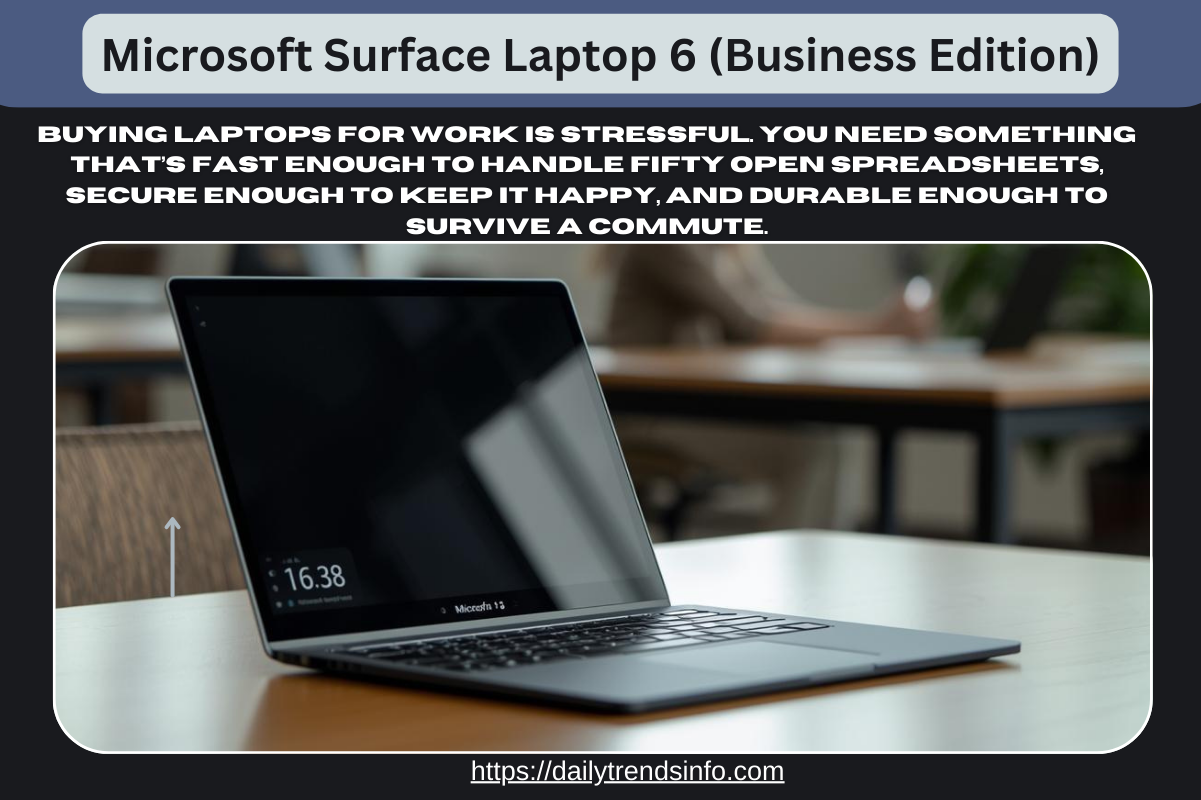
Microsoft Surface Laptop 6 (Business Edition) :- Let’s be real for a second: buying laptops for work is stressful. You need something that’s fast enough to handle fifty open spreadsheets, secure enough to keep IT happy, and durable enough to survive a commute. Enter the Microsoft Surface Laptop 6 (Business Edition).
- Read More :- Samsung Galaxy Book4 Edge Review: The MacBook Rival We Needed?
- Read More :- Microsoft Surface Laptop 6 (Business Edition)
You might be confused because there is also a “Surface Laptop 7” out there. Here is the deal: while the consumer version went all-in on mobile chips, this Business Edition stuck with the tried-and-true power of Intel. It is built specifically for professionals who can’t afford compatibility issues. Whether you are a coding wizard, a data analyst, or just someone who lives in Teams meetings, this device promises to be your reliable partner. But does it actually deliver on the hype? Let’s strip away the marketing jargon and look at what this machine can really do for your workday.
Alt Text:
Performance: The Intel Core Ultra Advantage
Why Choose the Microsoft Surface Laptop 6 (Business Edition) for Your Work Needs?
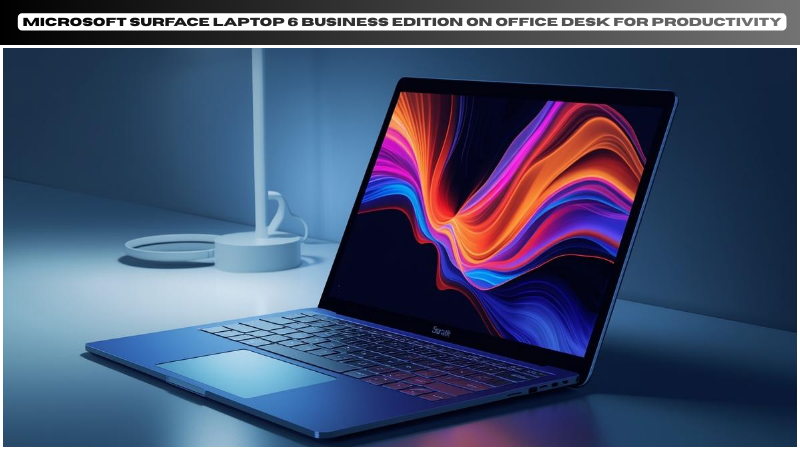
The biggest selling point here is what’s under the hood. Unlike its consumer cousin (which uses Snapdragon ARM chips), the Microsoft Surface Laptop 6 for Business runs on Intel Core Ultra H-series processors.
Why Does This Matter?
If you rely on legacy software—think older accounting apps, specific VPNs, or heavy Excel macros—Intel is still the safest bet. You won’t run into the “emulation” glitches that can sometimes slow down ARM-based laptops.
-
Multitasking Master: With the new NPU (Neural Processing Unit), this laptop offloads background AI tasks (like blurring your background in Zoom) to save battery for the heavy lifting.
-
Graphics Boost: If you choose a model with 16GB of RAM or more, you get Intel Arc graphics. It’s not a gaming rig, but it handles video editing and 3D modeling way better than previous Surfaces.
Design and Display: Subtle but Significant Upgrades
At first glance, it looks exactly like the Surface Laptop 5. But open it up, and you’ll notice two changes that make a massive difference for 9-to-5 users.
The Anti-Reflective Screen
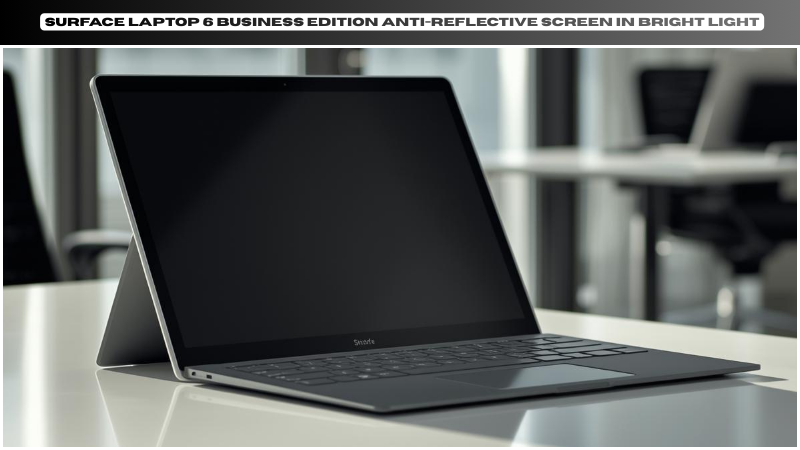
Finally! Microsoft added an anti-reflective coating to the PixelSense display. If you have ever tried to work near a window and spent half the time staring at your own reflection, you know how annoying glossy screens are. This coating cuts the glare down significantly without making the colors look dull.
The 1080p Webcam
Say goodbye to grainy video calls. The new Studio Camera uses AI to keep you in focus and adjust the lighting automatically. It’s a small detail, but when you are on client calls all day, looking crisp matters.
Security Features for the Modern Enterprise
For IT managers and privacy-conscious users, this is where the “Business Edition” label earns its keep.
-
Smart Card Reader: The 15-inch model comes with an optional built-in smart card reader. This is huge for government or banking sectors where two-factor authentication is physical.
-
Secured-Core PC: It comes with Windows 11 Pro and extra hardware-level protection enabled by default. Basically, it’s much harder for hackers to mess with the firmware.
-
Repairability: Microsoft has finally made it easier to fix. Key components like the display, battery, and motherboard are now labeled with QR codes and are easier to replace, extending the laptop’s life.
Battery Life: Good, But Not “All Day”
Here is the honest truth. While the NPU helps efficiency, the Intel H-series chips are power-hungry compared to the new ARM chips.
You can expect about 8 to 10 hours of real-world usage—enough to get through a workday if you aren’t rendering 4K video non-stop. It supports fast charging, though, so a quick 30-minute plug-in during lunch will get you back up to 80%.
Microsoft Surface Laptop 6 Frequently Asked Questions (FAQs)
1. What is the difference between Surface Laptop 6 for Business and Surface Laptop 7? The main difference is the processor. The Laptop 6 Business uses Intel Core Ultra (better for compatibility with older apps), while the Laptop 7 uses Snapdragon X Elite (better battery life but runs on ARM architecture).
2. Can I upgrade the RAM on the Surface Laptop 6? No, the RAM is soldered to the motherboard, so you cannot upgrade it later. We highly recommend buying at least 16GB to future-proof your machine.
3. Does it come with the Copilot key? Yes! The keyboard features a dedicated Copilot key to instantly launch Microsoft’s AI assistant, helping you summarize documents or search the web faster.
4. Is the 15-inch model worth the extra cost? If you don’t use an external monitor, yes. The extra screen real estate is invaluable for split-screen multitasking. Plus, the 15-inch model offers the optional smart card reader.
5. Does it have Thunderbolt 4? Yes, the Surface Laptop 6 for Business includes Thunderbolt 4 USB-C ports, allowing you to connect to high-speed docks and dual 4K monitors effortlessly.
surface laptop 6 for business review Conclusion
The Microsoft Surface Laptop 6 (Business Edition) isn’t trying to be the flashiest gadget on the market. It’s trying to be the most reliable one. It keeps the classic design we love but fixes the functional issues—glare, camera quality, and speed—that actually impact your work.
If you need a machine that guarantees compatibility with every piece of legacy software your company runs, while still offering modern AI features, this is your best bet for 2026. It’s a safe, solid, and premium choice for the serious professional.
Thinking about upgrading your office fleet? Let us know in the comments if you prefer Intel reliability or if you’re ready to jump to ARM!
About the Author