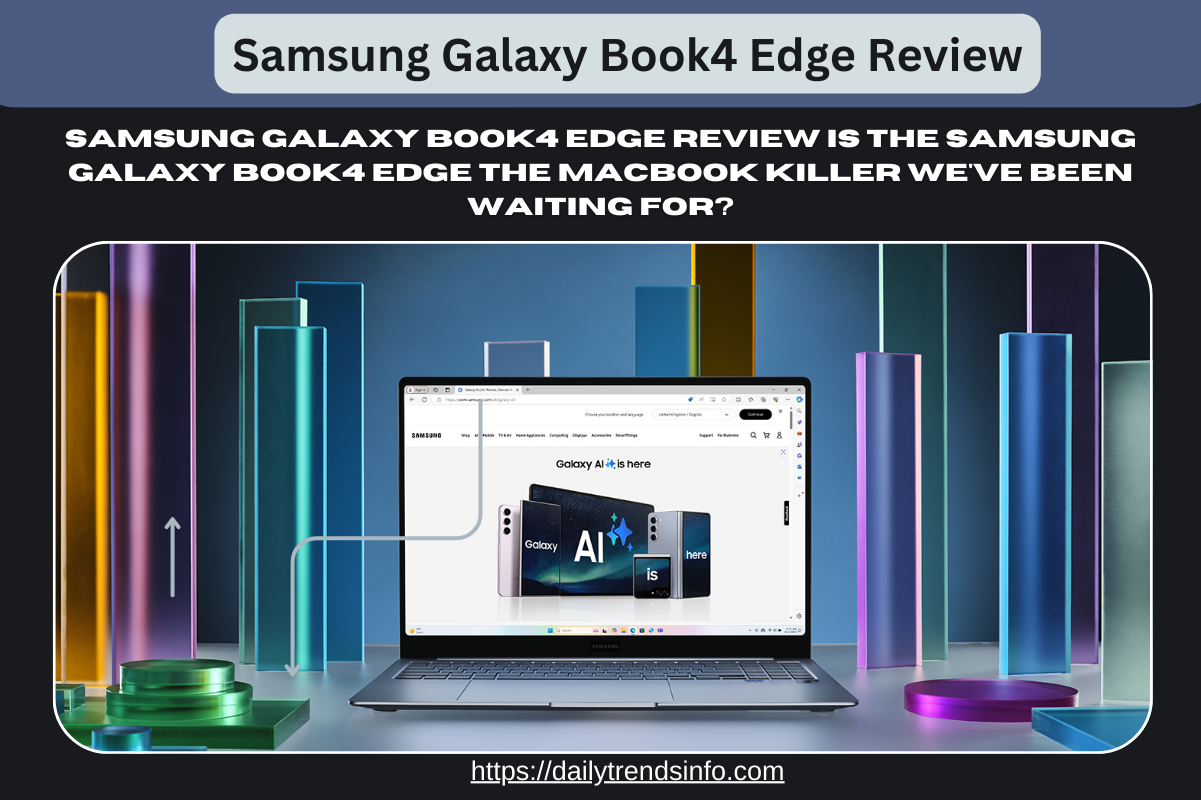
Samsung Galaxy Book4 Edge Review
Samsung Galaxy Book4 Edge Review: The MacBook Rival We Needed?
Introduction
Let’s be real for a second: if you are a Windows user, you have probably looked at your friend’s MacBook Air with a tiny bit of jealousy. The battery lasts forever, it wakes up instantly, and it never gets hot. For years, Windows laptops just couldn’t compete with that efficiency. But that might have finally changed.
In this Samsung Galaxy Book4 Edge Review, we’ll explore whether this laptop can finally compete with Apple’s MacBook lineup.
- Read More :- Vivo X300, X300 Pro Launched in India: Price, Display, Camera and Everything You Should Know
- Read More :- Samsung Galaxy Book4 Edge Review
- Read More :- Samsung Galaxy Book4 Edge Review – Full Insights
Enter the Samsung Galaxy Book4 Edge. This isn’t just another laptop; it’s a statement. Powered by the new Snapdragon X Elite processor, this device promises to break the “battery vs. performance” curse that has plagued Windows PCs for decades. Whether you are a student needing a lightweight 14-inch companion or a creative professional eyeing the 16-inch powerhouse, this machine claims to do it all. But does it live up to the hype? I’ve dug into the specs, the real-world performance, and the quirks to help you decide if this is your next upgrade.
What Makes the “Edge” Special? (The Snapdragon Factor)
In our Samsung Galaxy Book4 Edge Review, we’ll delve into its unique features and performance benchmarks.
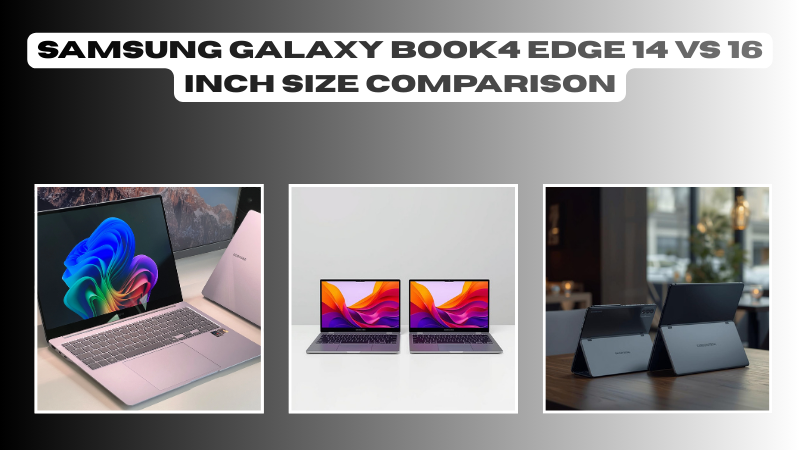
The biggest headline here isn’t the screen (though it is gorgeous)—it’s the brain inside. The Galaxy Book4 Edge uses the Snapdragon X Elite processor.
Unlike traditional Intel or AMD chips, this is an ARM-based chip, similar to what’s inside your smartphone or an Apple M3 chip.
-
Why does this matter? It means insane efficiency. This laptop runs cool, quiet, and sips battery like a refined tea rather than chugging it like an energy drink.
-
The AI Boost: It’s branded as a “Copilot+ PC,” meaning it has a dedicated Neural Processing Unit (NPU) to handle AI tasks like live captions and image generation without slowing down your main work.
Display: A Visual Feast
If Samsung knows how to do one thing perfectly, it’s screens. Both the 14-inch and 16-inch models come with a Dynamic AMOLED 2X display.
-
3K Resolution: Everything looks razor-sharp. Text is crisp, and movies look cinematic.
-
120Hz Refresh Rate: Scrolling through web pages or documents feels buttery smooth. Once you try 120Hz, you can’t go back to 60Hz.
-
Touchscreen: Yes, it’s touch-enabled, which is super handy for scrolling or zooming in on photos.
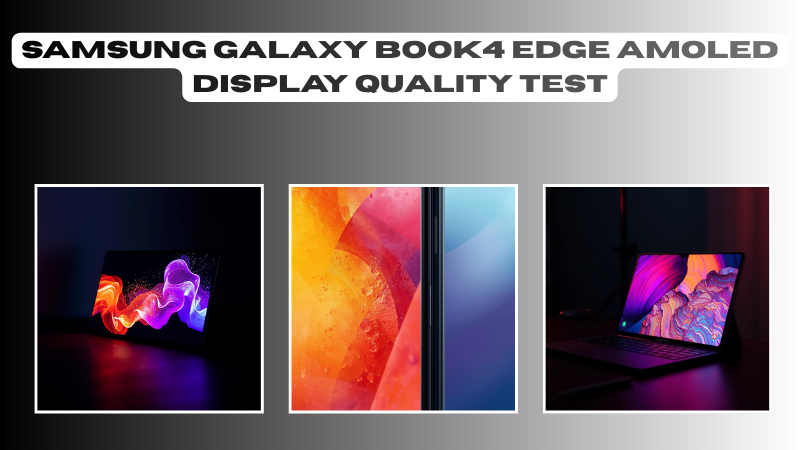
14-Inch vs. 16-Inch: Which One Should You Buy?
The Samsung Galaxy Book4 Edge Review highlights the differences between the models to help buyers make informed choices.
This is the hardest choice for most buyers. Let’s break down the differences so you can pick the right one for your lifestyle.
The 14-Inch Model: The Traveller’s Dream
-
Portability: Weighing just around 1.2 kg, you can toss this in a tote bag or backpack and forget it’s there.
-
The Trade-off: It has fewer ports. You mostly get USB-C ports, so you might need to carry a dongle if you still use old USB-A drives.
-
Best For: Students, writers, and frequent flyers who work from tray tables.
The 16-Inch Model: The Workspace Warrior
-
Screen Real Estate: That extra screen space is a game-changer for split-screen multitasking (e.g., Excel on one side, research on the other).
-
More Ports: You get a wider selection, including a USB-A port and a MicroSD slot, which is huge for photographers.
-
Battery Size: It packs a physically larger battery, giving you a bit more juice for those long days.
-
Best For: Video editors, coders, and anyone who hates squinting at small screens.
Real-World Performance & Compatibility
This is where I need to be honest with you. Because this laptop uses an ARM chip (Snapdragon), it is a bit different from your old Dell or HP.
The performance metrics discussed in this Samsung Galaxy Book4 Edge Review are essential for potential buyers.
The Good
For 95% of users, it is lightning fast. Web browsing, streaming, Microsoft Office, and Zoom calls happen instantly. The “wake from sleep” function is instant—just like your phone.
The “Meh”
If you use very specific, old legacy software or heavy games that were built for Intel chips, they might run slower or not at all. However, popular apps like Photoshop, Chrome, and Spotify are already optimized and run perfectly.
Battery Life: Does It Last All Day?
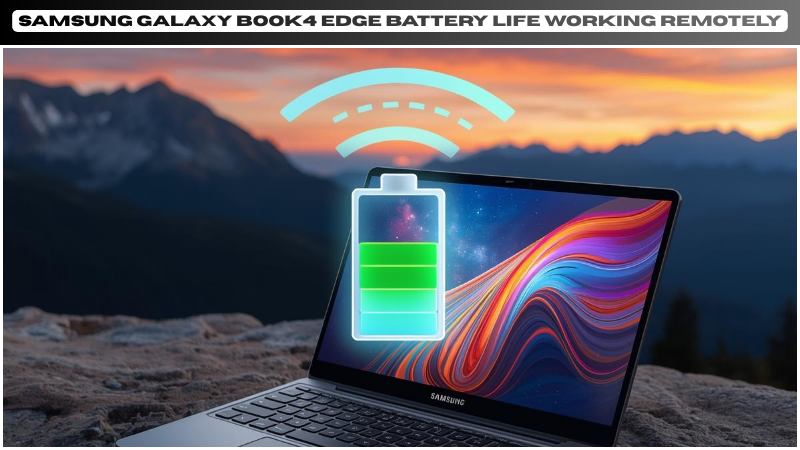
Samsung claims multi-day battery life. In real-world testing, it’s more like “all-work-day” battery life.
You can comfortably get 12–14 hours of video playback or light web browsing. While it might not beat the absolute best MacBook Pro records, it destroys almost every other Windows laptop in its class. You can finally leave your charger at home without having a panic attack at 2 PM.
Samsung Galaxy Book4 Edge Review Frequently Asked Questions (FAQs)
In the FAQ section of this Samsung Galaxy Book4 Edge Review, we address common questions about the device.
1. Can I play games on the Galaxy Book4 Edge? You can play casual games and cloud gaming (like Xbox Game Pass) just fine. However, this is not a gaming laptop. Heavy titles like Call of Duty or Cyberpunk 2077 won’t run well due to the ARM architecture and integrated graphics.
2. Does the Galaxy Book4 Edge work with my Samsung phone? Absolutely. If you have a Galaxy S24 or similar, the ecosystem features are amazing. You can drag and drop files between devices, use your phone as a webcam, and even answer texts from your laptop.
3. Is the RAM upgradeable? No. The RAM is soldered onto the motherboard. I highly recommend getting the 16GB model at a minimum to future-proof your purchase, as you cannot add more later.
4. What is the difference between the Book4 Pro and Book4 Edge? The main difference is the processor. The “Pro” uses an Intel chip (better for compatibility with old apps/games), while the “Edge” uses the Snapdragon chip (better for battery life and AI features).
5. Does it have a backlit keyboard? Yes, both models feature a comfortable, backlit keyboard that is great for typing in dim environments.
Samsung Galaxy Book4 Edge Review: Final Thoughts
The Samsung Galaxy Book4 Edge Review indicates that this laptop is a solid choice for those transitioning from MacBook.
After reading the Samsung Galaxy Book4 Edge Review, consider how well this laptop fits your needs and work habits.
Are you Team 14-inch or Team 16-inch? Let me know in the comments below!
Make sure to share your thoughts on the Samsung Galaxy Book4 Edge Review in the comments below!
About the Author